A calm desk: cables, chargers and the end of the day
A tray under the desk, fewer cables and a basket for everything at six o’clock.


- Where
- Size
- Room
- Budget
- Time
- Style
Working from home brings a tangle: laptop charger, phone charger, screen, lamp, speaker, router. Cables across a desk make a room feel busy and make it hard to switch off. Here is how to tame them, and set up a workspace that feels calm when you sit down and invisible when you stop.
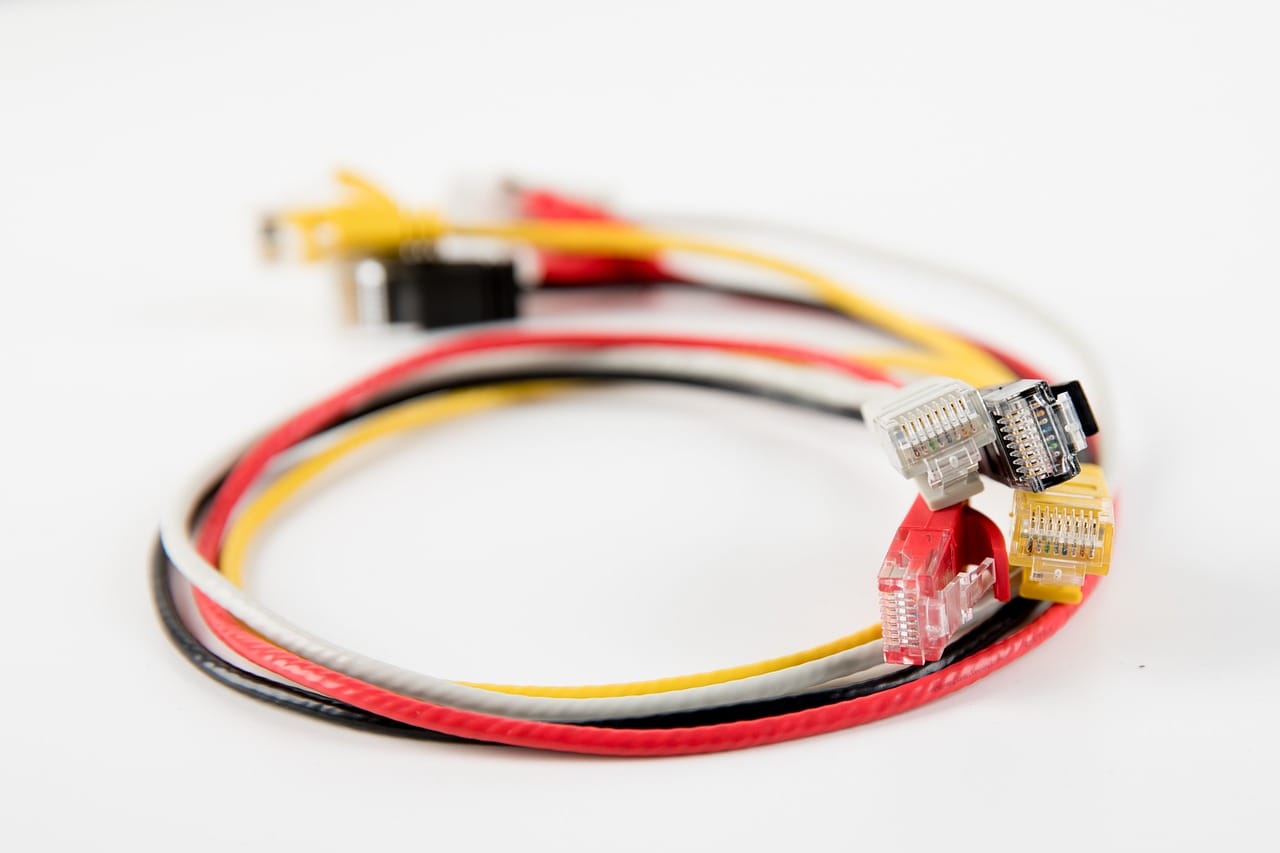
Start by counting
Before buying anything, unplug everything on your desk and lay the cables out. Most people find one or two cables they no longer use, and several that are far too long. Removing them is the first and cheapest step.
Under the desk
The cleanest solution is to run cables under the desk, not across it.
- A cable tray screwed under the back of the desk holds a power strip and spare cable length.
- Adhesive clips guide cables along the underside to where they need to go.
- A single sleeve gathers everything that runs from the desk to the wall socket into one neat tube.
The power strip in the tray means you plug in at desk height and never crawl under the desk again.
A tidy desk is not about being neat. It is about your eye having somewhere to rest.
Jun Tanaka
Fewer cables
Some cables can disappear entirely. A wireless keyboard and mouse remove two. A screen with a single cable for power, display and charging removes several more. A small charging stand holds the phone and its cable in one place.
The end of the day
Part of working from home is stopping. A setup that can be put away helps: the laptop closed and placed on a shelf, the notebook in a drawer, the task lamp switched off. Some readers keep a basket on the desk, and everything goes in it at six.

What a calm desk needs
| Keep on the desk | Put away |
|---|---|
| Screen and keyboard | Chargers you are not using |
| One notebook and pen | Piles of paper |
| A lamp | Spare cables |
| A plant | Last week's coffee cups |
Safety
Never cover a power strip with fabric or paper, and do not chain power strips together. If you need more sockets than one strip gives, ask an electrician to add a socket near the desk.